Create Metro Maps with Neotravv
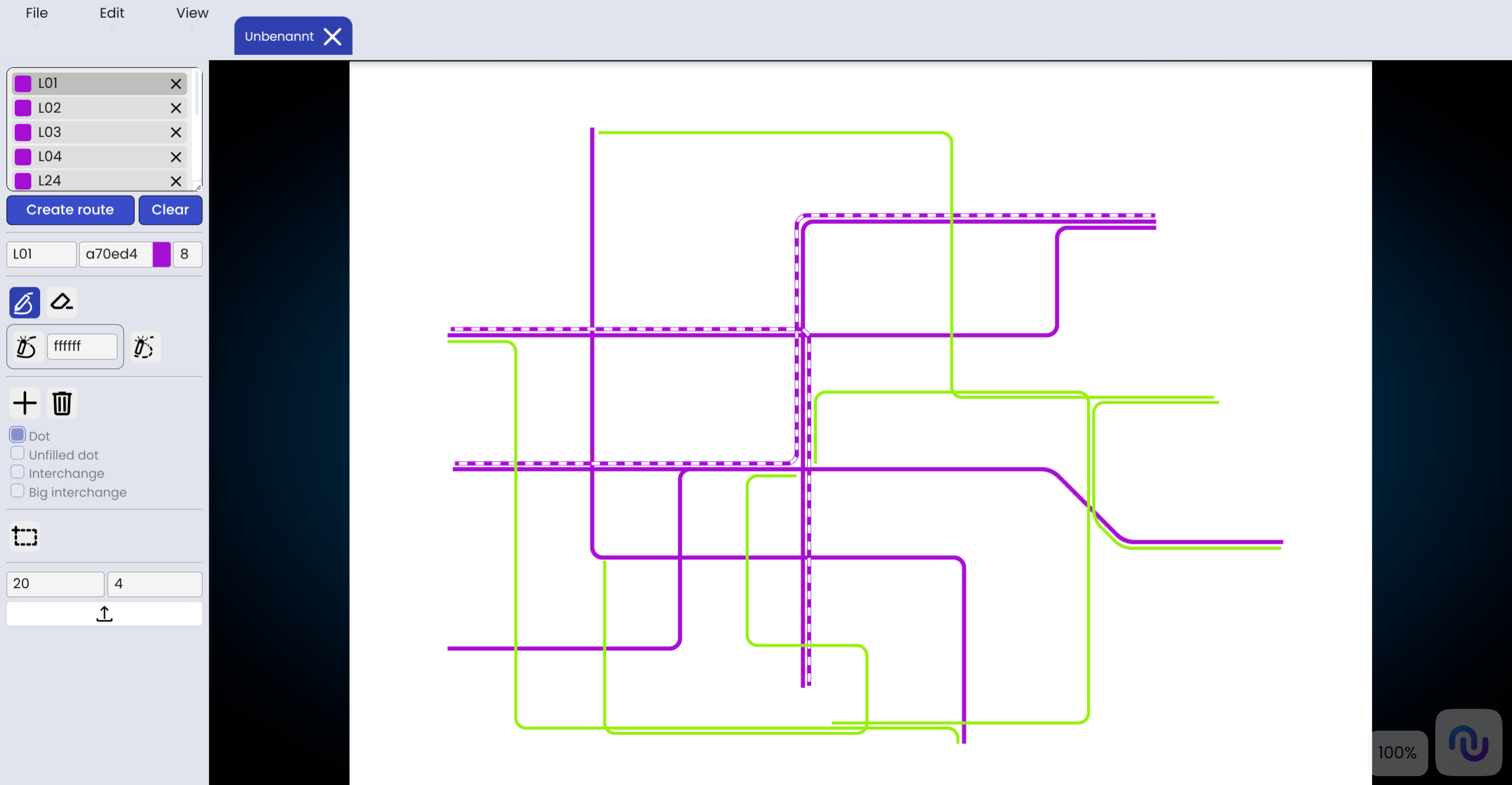
Navigating public transportation with metro maps
Metro maps are now among the most important means of information in public transport. They show at a glance which lines exist, how they are connected to each other, and which routes passengers can use to get to their destination quickly and efficiently. For many people, the metro map is the first introduction when they want to understand a new transport network.
Create a metro map
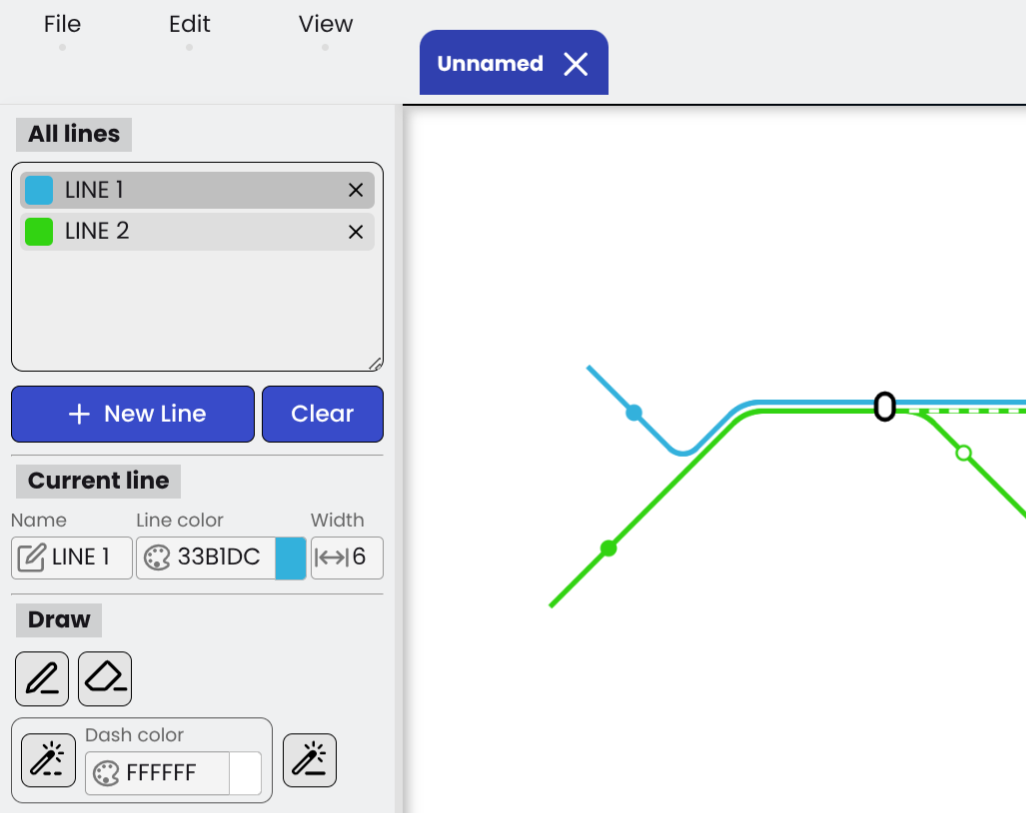
The navigation bar allows you to create new maps, as well as upload and edit existing ones. When creating a map, the name and dimensions are defined and cannot be changed later. Subsequently, the lines can be configured by adjusting the color and width of the line strokes. Lines can be drawn at 90 and 45-degree angles and, optionally, displayed as dashed lines.
Add Stations
To place stations on the map, construction nodes are first placed at the desired positions. These can be placed either along lines or freely in space, and can be removed by right-clicking. Four different station types are available to choose from. Once all construction nodes have been placed, they can be connected by pressing the Enter key. For certain station types (Dot, Unfilled dot), the color can be customized.
Add Textfield
Text can be inserted anywhere on the map by placing a textfield. This field can be freely moved and rotated. Additionally, the text color and style can be customized. The CSS font shorthand is used for formatting the text style.
General Parameters
Lines intersecting at an angle are connected by quarter- or eighth-circles with an adjustable radius. Care should be taken not to select values that are too large, in order to ensure a clean visual representation. Additionally, you can configure how close lines must be to one another to automatically align (snap) during the drawing process.
Easy creation of line network plans
With our Metro Map Creator, you can quickly and clearly display transport networks. Lines, stations, text and connections can be structured in a way that creates a clear and understandable network plan in a short time.
The tool is suitable for planning purposes, simulations, and visualizing your own traffic networks. Through a clear structure and flexible design options, complex networks can be easily mapped and adapted at any time as needed.
So, an idea or concept can quickly be turned into a comprehensible and professional-looking network diagram.
Check out our YouTube tutorial and our handbook to better understand how metro maps can be created.