Manage stations with Neotravv
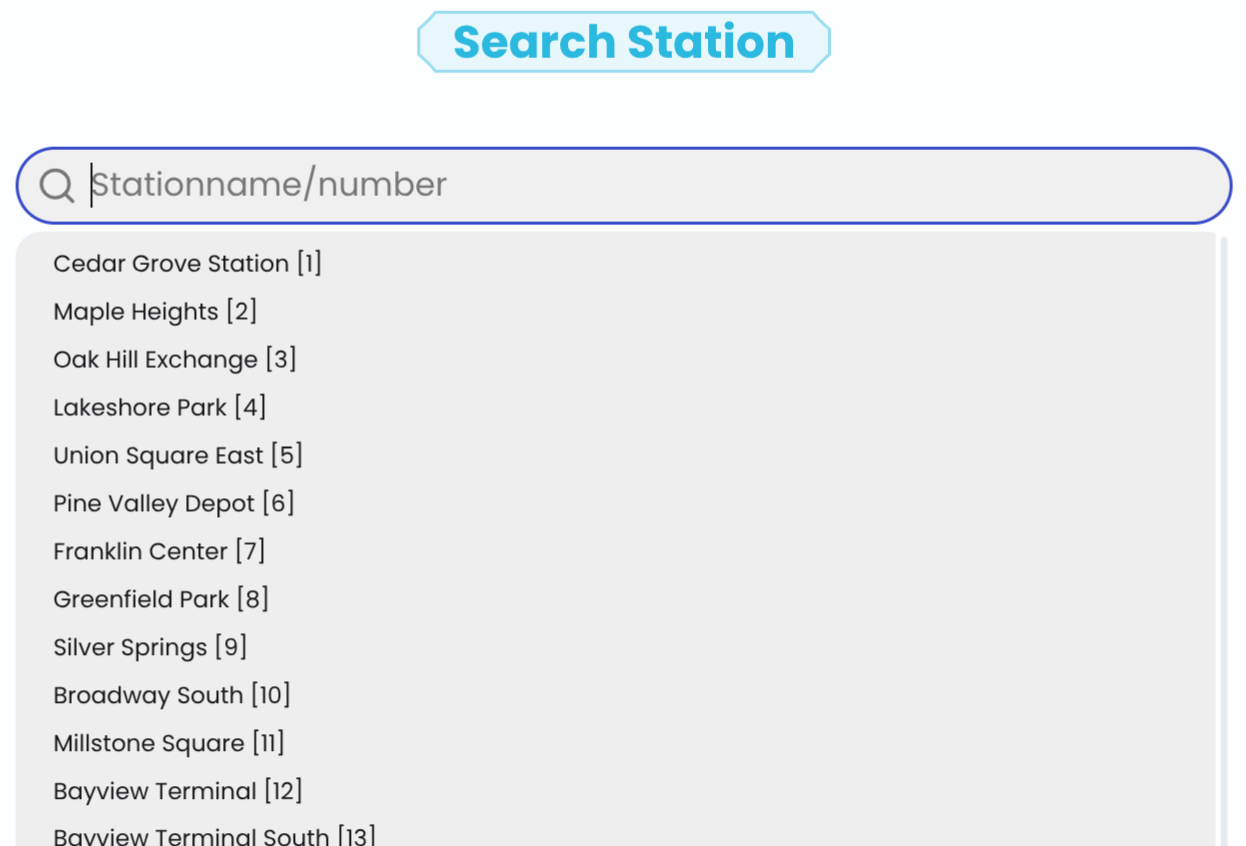
Defining stations
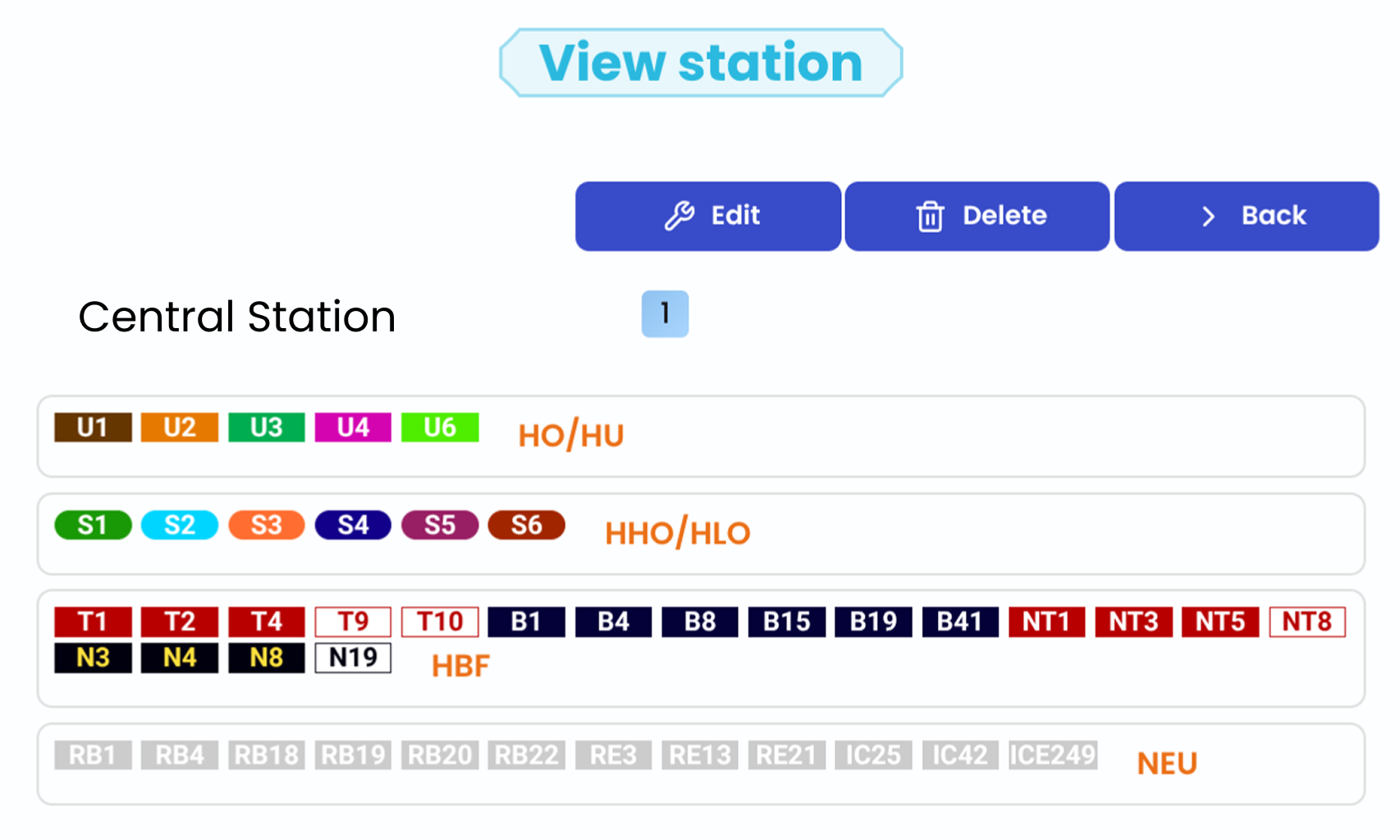
Stations can be created directly from the public transport system. For each stop, a number must be assigned, and you can define which lines serve it. The lines are divided into four categories: S-Bahn, U-Bahn, road traffic (e.g. bus and tram) as well as regional and long-distance trains. For each of these categories, any number of lines can be assigned, which also allows complex traffic networks to be clearly mapped.
For each category in which at least one line is defined, a unique station abbreviation must also be assigned, which serves for internal administration, for example, but is also necessary for the creation of proximity timetables. Within a category, each abbreviation may only be used once to ensure clear assignment. This ensures that all stations and lines can be clearly identified and processed correctly.
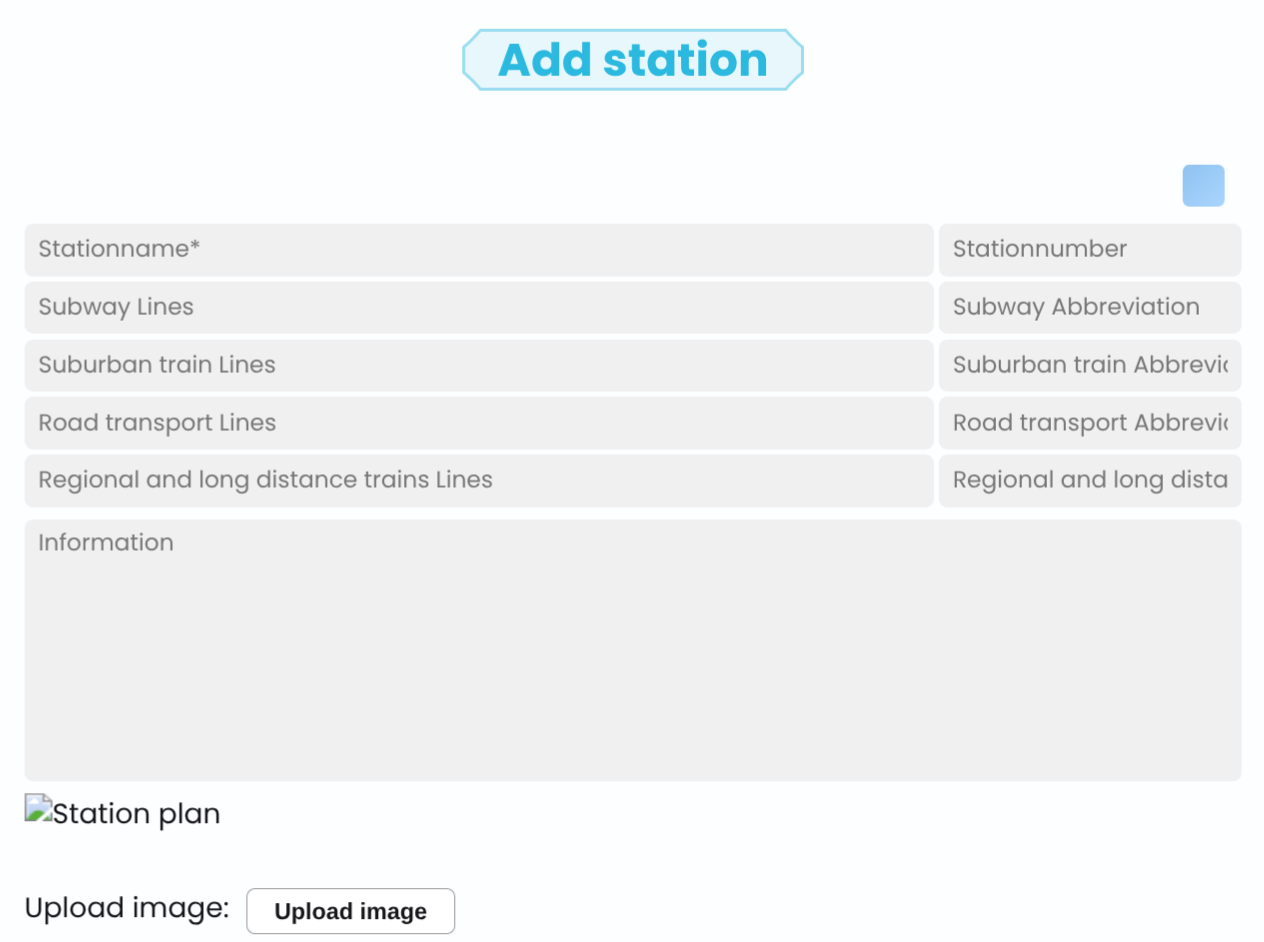
Additionally, notes or further information can be stored for each station, for example to record special features or hints. Furthermore, there is the option to upload an image, such as a station plan, to further improve the overview and comprehension.
All defined station abbreviations in one place
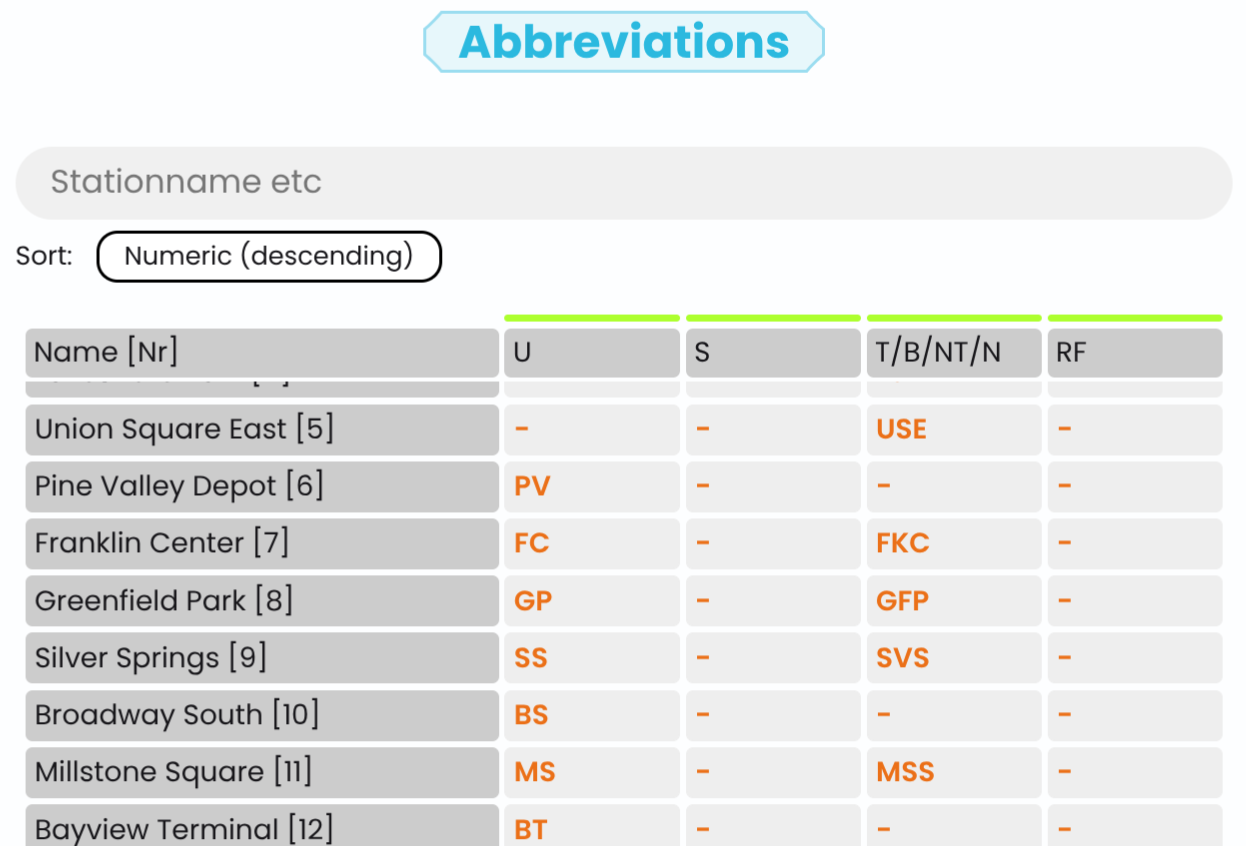
All established stations and their corresponding abbreviations can be viewed in a central overview. This display allows you to quickly get an overview of the entire system and understand the assignment of lines and stations.
Furthermore, the system automatically checks the assigned abbreviations within the individual vehicle categories. If an abbreviation is used multiple times within a category or if lines have been defined for a category without assigning a corresponding station abbreviation, this will be highlighted in the overview. Therefore, discrepancies can be quickly identified and specifically corrected.
Easy station management
Furthermore, the system automatically checks the assigned abbreviations within the individual vehicle categories. If an abbreviation is used multiple times within a category or if lines have been defined for a category without assigning a corresponding station abbreviation, this will be highlighted in the overview. Therefore, discrepancies can be quickly identified and specifically corrected.
All stations and their abbreviations can be viewed centrally. Doubled or missing abbreviations are automatically recognized and marked, so they can be quickly corrected. Additionally, notes and images can be stored for better overview.
Check out our YouTube tutorial and our handbook to better understand how to create and adjust stations with Neotravv.